


Adding video to your website is the best way to increase revenue and shorten your sales cycle. But if you do it incorrectly, you risk slowing down your site, distracting your visitors, and sending potential customers straight into the arms of your competitors. We go over everything you need to know about getting started with video on your website.
1. Hosting Your Videos: Direct Upload vs. Third-Party Embedding
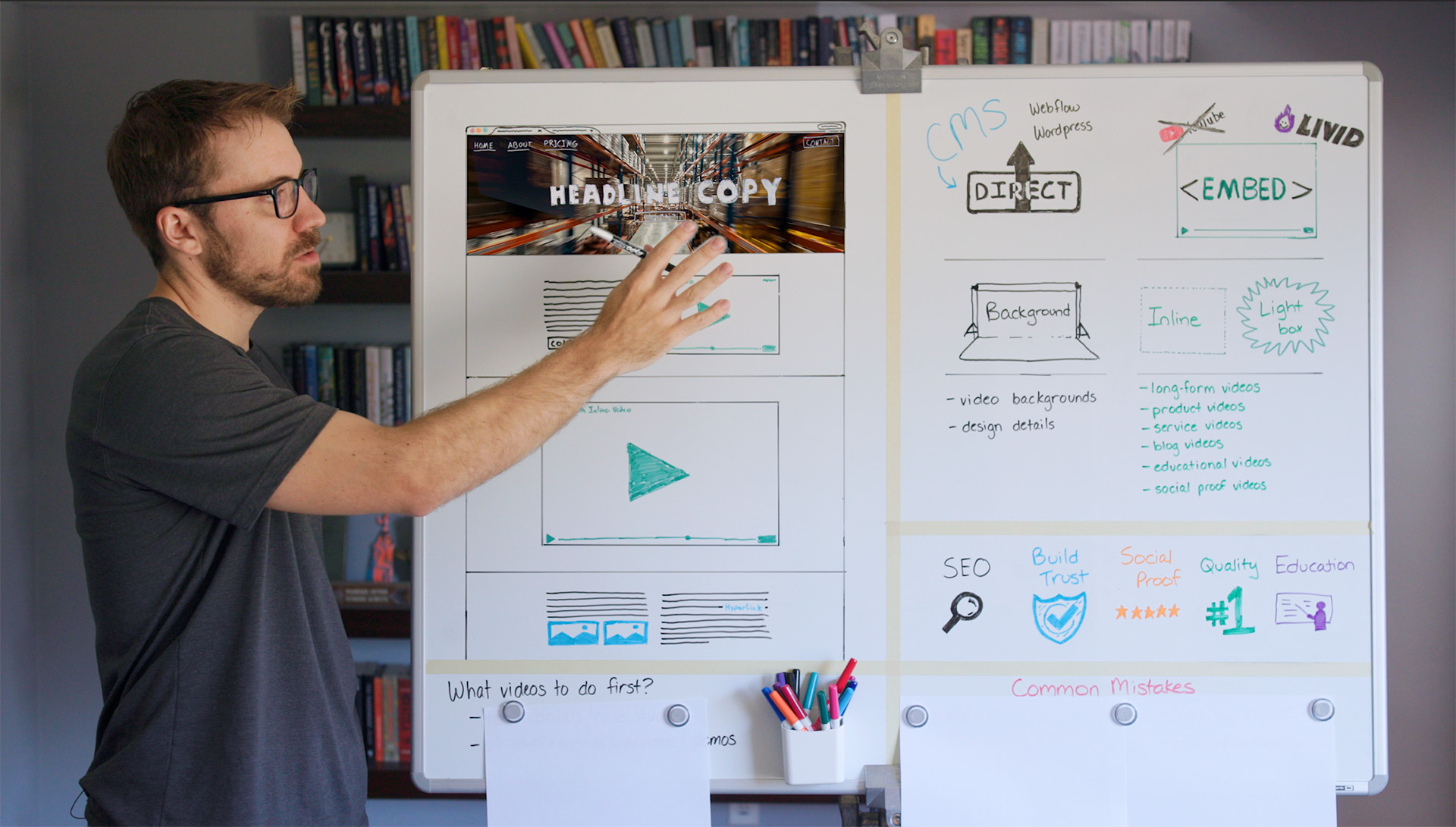
When putting video on your site, you have two primary routes: uploading the file directly to your Content Management System (CMS) or embedding it via a third-party host.
Direct Uploads (Best for Backgrounds Only)
Direct uploads mean saving the video file right into your CMS, such as Webflow or WordPress. Because video files are massive, this can drastically slow down your page load speeds, which hurts your SEO.
- When to use it: Only for short, compressed, silent background loops, like a homepage hero section paired with a bold headline.
- Pro-Tip: Keep these files as small as possible. While some platforms automatically compress them, always optimize your files beforehand to keep your site fast.
Third-Party Embedding (Best for Everything Else)
For your standard content, like product demos or explanations, you should host your video on an external server and embed it.
While YouTube is a common free option, it comes with major drawbacks for businesses:
- You cannot customize the player to match your branding.
- YouTube’s goal is to keep users on YouTube, meaning your videos might display ads or "related videos" featuring your direct competitors.
- We typically only recommend YouTube embeds for content that primarly lives on YouTube and is more educational, due to the SEO and reach benefits. (Like videos on this blog page, lol, we don't use YouTube for other parts of our site).
Instead, look into premium business-focused hosting solutions Platforms like Livid (which offers simple, affordable plans around $10/month) allow you to fully customize the player, add your logo, and include share buttons directly from their dashboard.
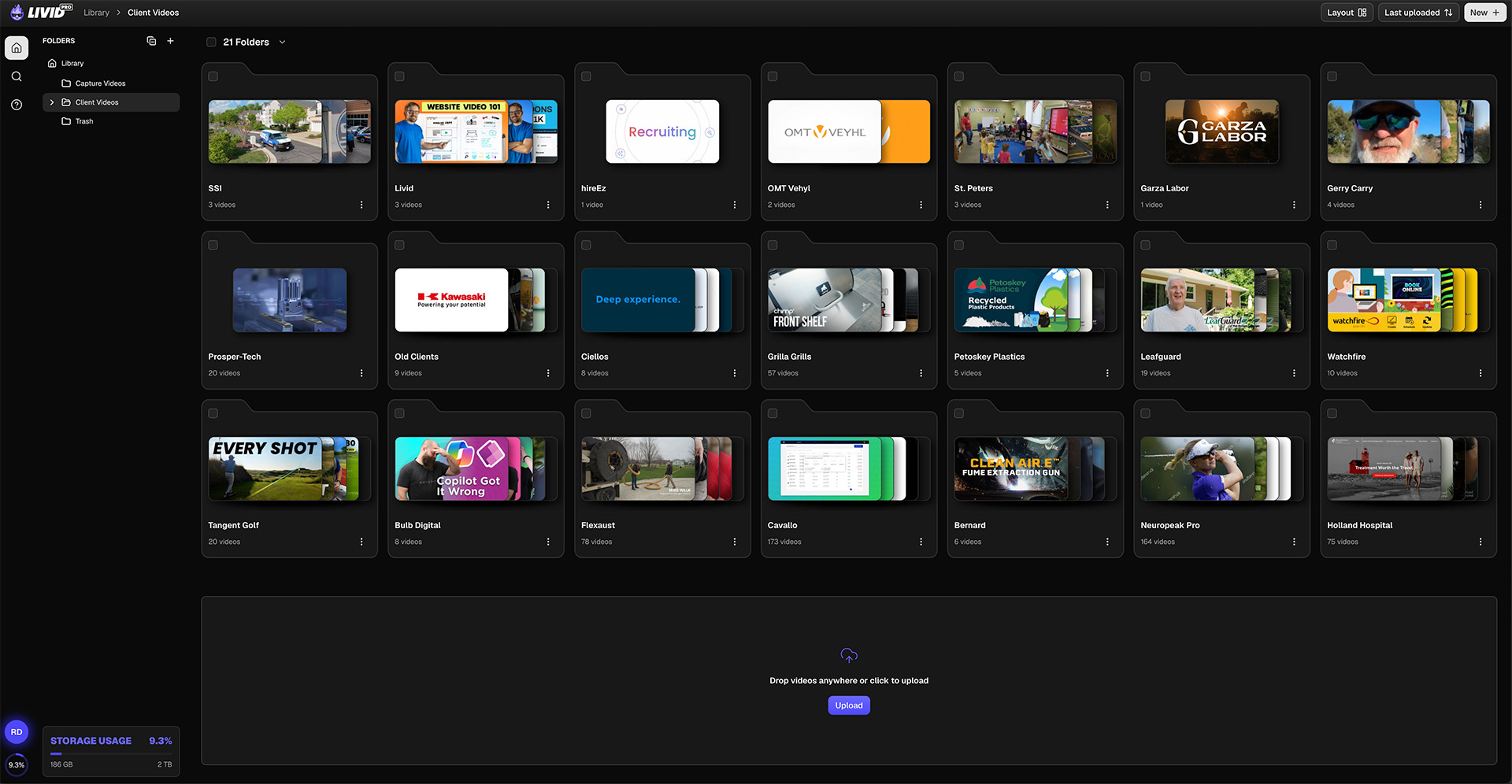
Even better, if you need to update a video down the line, you can swap the file in your hosting dashboard and it will automatically update across your site without you needing to change the embed code.
Looking for other options? Watch our comparision video going over the most popular video hosting solutions, such as Vimeo, Wistia, Bunny.net, and more.
2. Different Ways To Embed Videos
Once you choose a third-party hosting solution, you can display the video using a few different technical formats, usually via a simple video widget link or raw HTML embed code:
- Inline Embeds (Standard or Full-Width): These behave just like text blocks or images. A standard inline video typically takes up about half the page width. If you want to demand absolute attention for a major brand video, give it a dedicated, full-width section.
- Lightbox Pop-ups: Ideal if you want to save screen real estate. Visitors click a small thumbnail image, and the video pops up to play over the top of the website.
- Text Hyperlinks: You can also turn standard body copy into a link that triggers a lightbox video overlay when clicked.
Visit our homepage and work section to see a few examples of each one of these styles.
3. Benefits of Video for Your Business
When done right, video guides your customers through their buying journey and directly impacts your bottom line. Here is why it works:
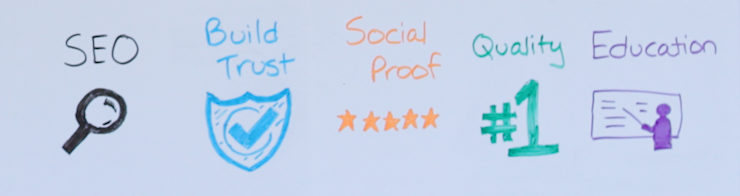
- Supercharges SEO: When people stop to watch a video, their "dwell time" on your page increases. This increased watch time signals to Google that your site provides high-quality content, boosting your search rankings.
- Builds Instant Trust: Clear, value-driven videos position your business as an industry expert.
- Provides Unmatched Social Proof: Written reviews are great, but video case studies are better. You can interview happy clients over Zoom or send a camera crew to capture b-roll and interviews at their location.
- Elevates Brand Perception: High-quality video and crisp audio naturally elevate the perceived value of your products or services, giving you the leverage to charge premium prices.
4. What Videos First?
You don't need a huge budget to get started. Prioritize these two types of videos first before moving to more complicated videos.
1. Testimonials & Case Studies: The backbone of your strategy. Even a clean Zoom interview edited together creates a powerful asset for your sales team. Below is an example we create for one of our clients, about their client.
2. Product, Service, or Demo Videos: Modern consumers want to do thorough research before reaching out. Show them exactly how your product or service works to help them take that next step.
5. Mistakes to Avoid
Here are the common mistakes we see businesses making when it comes to website videos.
- Autoplay with Sound: This is highly intrusive and frustrating for visitors, often causing users to immediately bounce from your site. To fix this, always let users choose exactly when to press play.
- Video Overload: Having too many videos on a single page slows down your site and completely overwhelms the viewer. Instead, keep it to just one or two videos max per page, unless you are building a specific portfolio page.
- Poor Audio Quality: Audiences will tolerate average video quality, even phone footage, but bad audio makes a video instantly unwatchable. Make sure to use a decent microphone in a quiet room, or use AI tools like Adobe Podcast Enhance to clean up background noise.
- YouTube Embeds: For product and service-related videos, this distracts users and risks driving hard-earned traffic away from your site because YouTube wants to keep viewers on its own platform. The best solution is to invest in a dedicated video hosting solution.
- Dating Your Content: Mentioning specific pricing can quickly make your video outdated if your rates change down the road. Avoid talking about exact prices in the video script itself, and leave that information for easily editable website text instead.
Final Thoughts
Video is one of the most powerful tools in your marketing arsenal, provided it enhances the user experience rather than distracting from it.
If you need help with video, reach out. We provide video editing and video production services for businesses with internal marketing teams. View our pricing.

