

The Best Video Hosting Solutions for Businesses (And Why My Recommendation Changed)
If you are trying to find the perfect place to host your business videos, I’m about to save you a ton of time. I’ve done a lot of these comparison breakdowns in the past, but recently, my top recommendations have officially shifted.
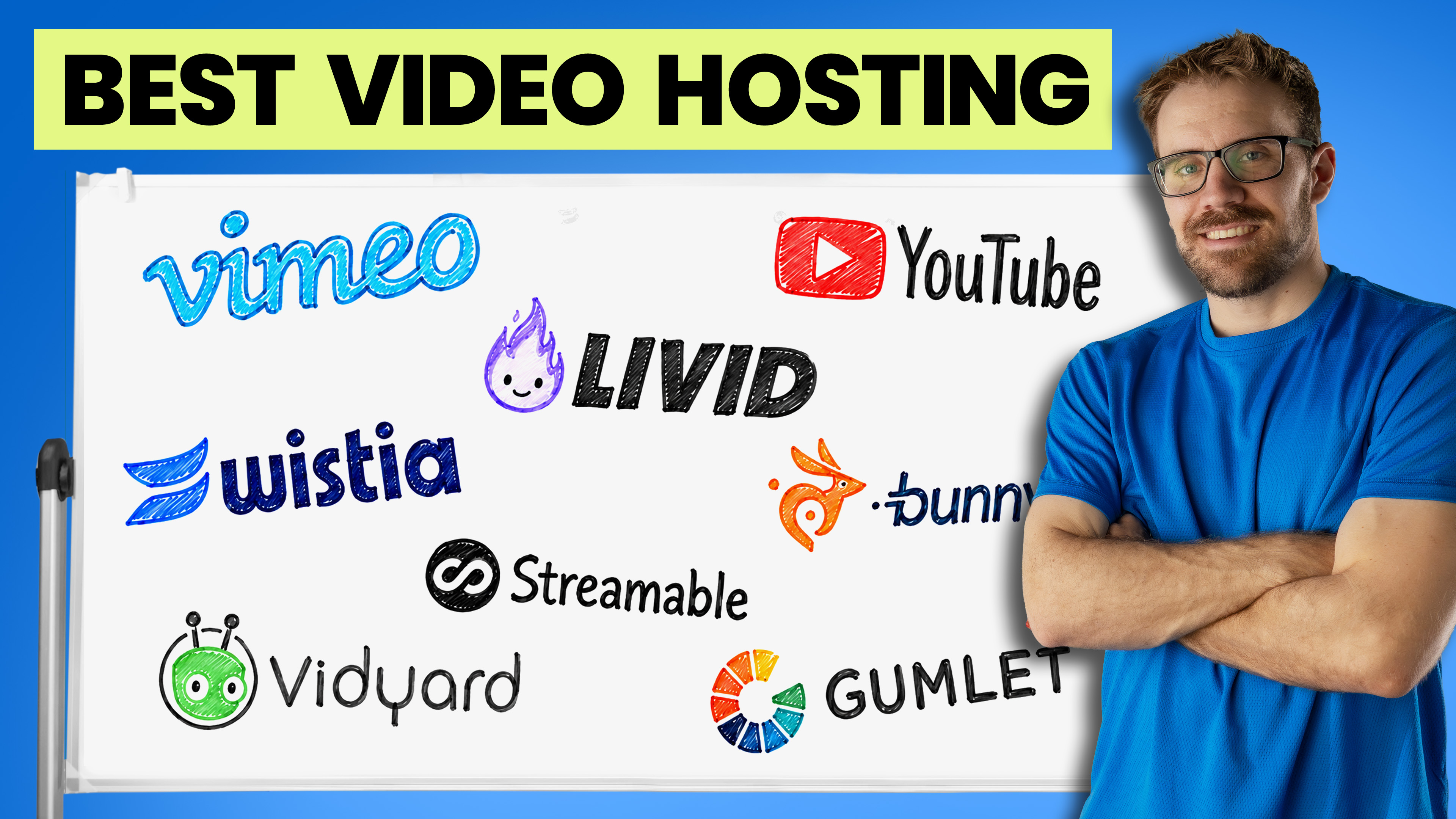
When you embed a video on your website, you need control, speed, and reliability. Let's dive into the most popular video hosting solutions on the market right now, break down the pros and cons of each, and look at the best strategy for your business.
1. YouTube: The Organic Powerhouse
Everybody knows and loves YouTube. It’s the undisputed giant of online video, but using it as your primary website host comes with major trade-offs.
- The Price: Free.
- Storage & Bandwidth: Unlimited.
- The Pros: Incredible analytics, live streaming capabilities, and unmatched organic reach. Because YouTube is the second largest search engine in the world (right behind Google), your videos have a massive chance of being discovered publicly.
- The Cons: Ads, lack of video review tools, and zero ability to replace a video file without generating a completely new link.
The Big Business Problem: When you embed a free YouTube video on your site, you have almost no control over the player look. Related videos and ads will pop up at the end—meaning a competitor's video could easily show up right on your own webpage, stealing the traffic you worked so hard to get.
2. Vimeo: The Industry Standard Under New Management
Vimeo originally became the go-to choice for businesses because it pioneered crisp quality, clean player customization, and strict embedding controls.
- The Price: Tiered plans based on budget, including custom enterprise options; webinars unlock at the $75/month tier.
- The Pros: Robust feature set, great privacy controls, video replacement features, and excellent timestamped client review tools.
- The Cons: The user interface (UI) has become bloated, frustratingly slow, and laggy over the years.
The Red Flag: Vimeo was recently acquired by Bending Spoons. This company has a reputation for buying SaaS products (like Evernote, StreamYard, and WeTransfer) and aggressively hiking prices while gutting features or support. Because of these sudden pricing shifts based on team size and usage, many businesses are actively looking for an exit.
3. Livid: The Best Modern Alternative
Livid is a newer player in the hosting space, but it is explicitly targeting frustrated Vimeo users—and doing an incredible job of it.
- The Price: Free plan available, with an incredibly affordable paid tier starting at just $10 a month.
- Storage & Bandwidth: Generous caps (2TB storage / 3TB bandwidth), which is more than enough for most businesses.
- The Pros: Blazing fast, ultra-clean UI, seamless video replacement, built-in review tools, and zero ads.
- The Unique Feature: They built the "Love Tool"—a feature that connects directly to your Vimeo account, downloads your entire library, and automatically uploads it to Livid (or your desktop). It makes leaving Vimeo completely painless.
- The Cons: No live streaming or webinar capabilities. Currently, analytics are limited to individual videos rather than account-wide, though account-wide data is expected to drop very soon.
4. Wistia: The Marketer’s Dream
If your business treats video as a scientific marketing tool, Wistia is phenomenal—if you have the budget for it.
- The Price: Starts at $79/month, with webinars requiring a steep $350/month add-on.
- Storage & Bandwidth: Relatively low base storage (250GB on standard plans), meaning it can get expensive quickly if you host a massive library.
- The Pros: The fastest player, beautiful aesthetics (including custom gradient player bars), and the absolute best analytics in the game.
- The Killer Feature: Built-in A/B testing. You can upload two versions of a video to the same page, split-test different hooks or calls-to-action, and see exactly which version performs better.
-
5. Bunny Net: The Developer's Budget Choice
Bunny.net has skyrocketed in popularity alongside the Vimeo news because it offers a pay-as-you-go model that is practically unbeatable on paper.
- The Price: Roughly $0.01 per gigabyte for storage and bandwidth.
- The Pros: Extremely cheap, offers deep player customization, and excellent security/privacy controls.
- The Cons: No built-in client review tools, and video replacement can be a bit technical.
The Catch: Bunny Net is a Content Delivery Network (CDN) first, with a stripped-back video UI built on top. It is fundamentally designed for developers. If you don't mind a bit of a learning curve or have a web developer on hand, it's a great budget saver; otherwise, the interface might feel too bare-bones.
6. Streamable: Simple, But Stuck in the Mud
Streamable offers a very clean, simplified approach to video hosting, but it comes with a major warning label.
- The Price: $10/month, but you only get a low 500GB of storage.
- The Pros: Fast, simple, and very easy to navigate.
- The Cons: Player customization is strictly account-wide (you can't change the look for individual videos or different clients). It lacks live streaming, webinars, and client review tools, and the analytics are incredibly basic.
- Why I Can't Recommend It: Streamable is owned by StreamYard, which means it is also under the Bending Spoons umbrella. There has been virtually zero product development or feature updates on the platform since 2023, making it hard to justify the price.
-
7. Gumlet: The Security Champion for Course Creators
Gumlet is a solid, rising platform that approaches video hosting with a unique twist tailored to specific industries.
- The Price: Starts around $19.99/month.
- Storage Model: Unlike others who charge by file size, Gumlet charges based on minutes uploaded. If you host highly compressed, long-form videos, this can get pricey fast.
- The Pros: Reliable privacy controls, video replacement, and decent analytics.
- The Killer Feature: Advanced DRM (Digital Rights Management) Protection. This security add-on aggressively blocks screen recording and unauthorized video ripping.
- The Cons: The UI requires a few too many clicks to get things done, and player customization is locked to account-wide settings.
Who it's for: If you are a course creator, an online school, or a premium membership site, Gumlet. DRM protection alone makes it worth a look to protect your intellectual property.
8. Vidyard: The Specialized Sales Tool
Vidyard frequently gets lumped into hosting conversations, but it shouldn't be compared directly to platforms like Vimeo or Wistia.
- The Price: Around $19/month, offering unlimited storage and bandwidth.
- The Pros: Screen recording, built-in teleprompter scripts, and deep viewer engagement tracking for email campaigns.
- The Cons: Player customization is rigidly account-wide, and it completely lacks professional filmmaking tools like client review links or timestamped comments.
The Verdict: Vidyard is a sales and prospecting tool (like Loom), not a dedicated website video host. Use it to send personalized videos to prospects, but don't use it to host your core website marketing videos.
The Ultimate Video Hosting Strategy
So, what is the best move for your business? The secret is that you shouldn't just pick one platform; you should pair them up based on intent.
- The Public Side: Every business should be utilizing YouTube. Put your public-facing content, top-of-funnel marketing, and searchable videos there to capitalize on Google and YouTube SEO.
- The Website Side: When embedding videos directly onto your homepage, landing pages, or sales funnels, you need a clean, ad-free experience.
Final Recommendations:
- The Best Overall Match: Pair YouTube with Livid. It gives you the best combination of modern speed, affordable pricing ($10/mo), and a completely ad-free website player.
- For Data-Driven Marketers: Pair YouTube with Wistia to leverage A/B testing and elite viewer analytics.
- For Course Creators: Look into Gumlet for its strict DRM security.
- For Tech-Savvy Teams: Deploy Bunny Net for dirt-cheap, developer-controlled hosting.
- For Sales Teams: Stick to Vidyard for outreach, but keep your website assets elsewhere.
Which platform are you leaning toward for your business? Drop a comment below if you have any questions, and I'll do my best to answer them!

